Sales prospecting tools help you find the right prospects and build targeted lead lists. I believe the best tool depends on your target market, data needs, and outreach process.
My top choices include Apollo.io, LinkedIn Sales Navigator, Clay, ZoomInfo, BuiltWith, Google Maps with Outscraper, and Cognism. The right combination of prospecting and verification tools gives you cleaner data, better targeting, and stronger lead lists.
Read the full blog to learn about each tool and find the best fit for your prospecting needs.
Core Tools Used to Build and Target Sales Prospect Lists
Sales prospecting tools bring contact data, targeting filters, and prospect research into one place. These tools make my lead-building process more focused and efficient.
1. Apollo.io
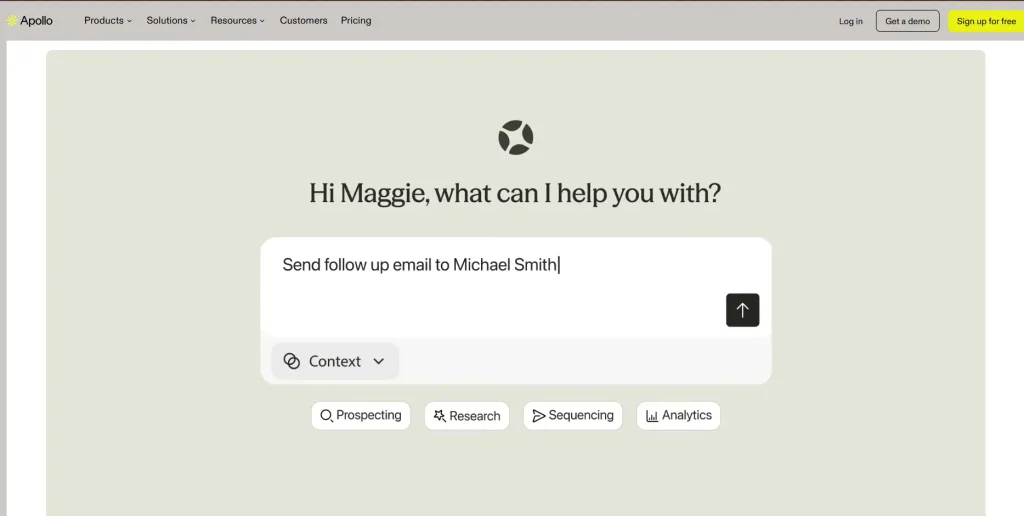
Apollo.io is a sales intelligence platform with a database of more than 240 million contacts and 30 million companies. Sales teams use its 65+ filters to build targeted prospect lists and find decision-makers faster.
Role: Apollo.io gives sales teams access to B2B contact and company data. It also provides tools to search, organize, and manage prospects. Sales teams use these features to build focused lead lists.
Use case: Sales teams use Apollo.io to find decision-makers at specific companies. They can create prospect lists based on their ideal customer profile. The platform also supports outreach after prospects are identified.
Most unique feature: Apollo.io combines a large B2B database with outreach tools. Users can find prospects and contact them within the same platform.
Targeting and filtering: Apollo.io offers filters for job title, industry, company size, location, revenue, seniority, and technology. These filters let users narrow their search and find prospects that match their ideal customer profile.
Pros:
- Apollo.io combines prospect search, contact data, and outreach tools in one platform.
- Its many filters make it easier to find relevant prospects.
Cons:
- Some contact details may be outdated or incorrect, so users should check important information before outreach.
2. LinkedIn Sales Navigator
LinkedIn Sales Navigator gives sales teams access to more than 1 billion people and 67 million companies on LinkedIn. Its 50+ filters make targeted prospecting easier.
Role: Sales Navigator is a prospecting tool built on LinkedIn’s professional network. It lets sales teams find people and companies that match their target market. Users can also save leads and accounts and receive updates about them.
Use case: Sales teams use Sales Navigator to find decision-makers at target companies. They can build lists based on job titles, industries, company size, and location. The tool also shows useful signals, such as job changes, buyer intent, and mutual connections.
Most unique feature: Its biggest strength is LinkedIn’s relationship data. Sales teams can look for mutual connections, shared experiences, and other warm paths into target accounts.
Targeting and filtering: Sales Navigator offers 50+ advanced search filters. Users can filter prospects by job title, seniority, function, industry, geography, company headcount, revenue, buyer intent, recent job changes, and more.
Pros:
- It gives sales teams access to a huge professional network with detailed prospect information.
- Buyer intent and relationship filters make it easier to find promising prospects and warm connections.
Cons:
- Sales Navigator focuses mainly on LinkedIn data and does not provide the same broad contact-data coverage as dedicated B2B databases.
3. Caly
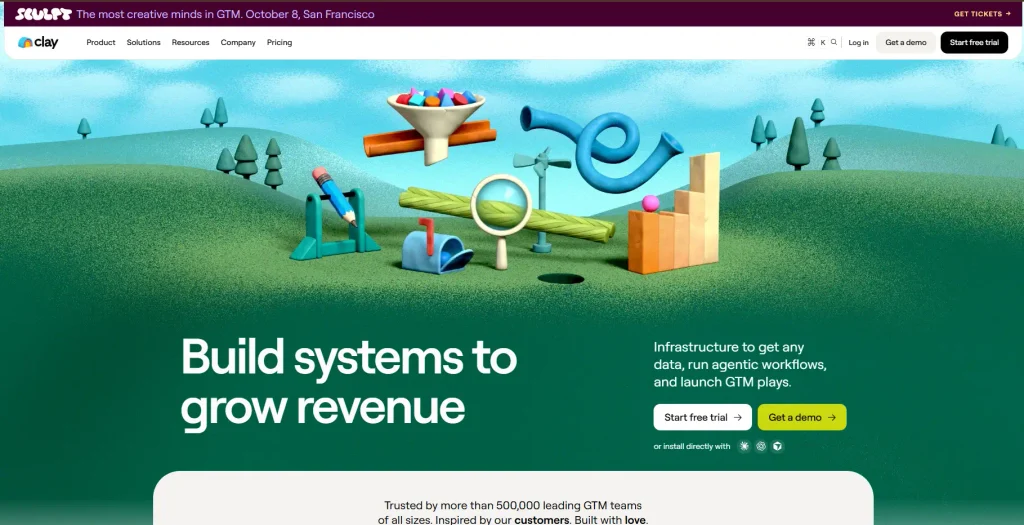
Clay brings together more than 150 data providers, AI research, and enrichment tools in one platform. Sales teams use it to build and enrich targeted prospect lists.
Role: Clay brings different sales data sources together in one platform. It helps teams find, enrich, and organize information about prospects and companies. Sales teams also use it to add deeper data to existing lead lists.
Use case: Sales teams use Clay to build prospect lists based on their ideal customer profile. They can enrich contacts with emails, phone numbers, company details, and other data. The finished lists can also move into CRM and sales outreach tools.
Most unique feature: Clay’s waterfall enrichment is one of its strongest features. It checks multiple data providers in sequence when one source does not have the information, improving data coverage.
Targeting and filtering: Clay supports targeting based on industry, company size, funding stage, technology, hiring signals, job role, and other ICP details. Its AI research tools also let teams look for niche information that standard databases may not provide.
Pros:
- It combines 150+ data providers, enrichment, and AI research in one platform.
- Waterfall enrichment improves the chance of finding useful contact information.
Cons:
- Clay has many features and workflows, so new users may need time to learn how to use the platform well.
4. ZoomInfo
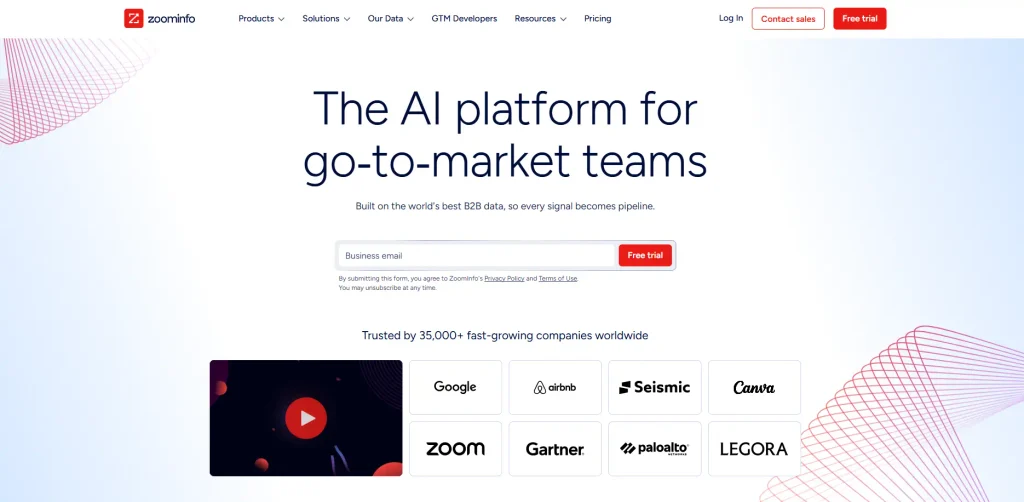
ZoomInfo is a GTM intelligence platform that gives sales teams company and contact data for finding qualified prospects and building targeted lead lists.
Role: ZoomInfo provides business and contact information for B2B sales teams. It gives users data about companies, decision-makers, and buying signals. Sales teams use this information to find and prioritize potential customers.
Use case: Sales teams use ZoomInfo to find companies that match their ideal customer profile. They can identify decision-makers and gather contact details for outreach. The platform also supports account research and lead prioritization.
Most unique feature: ZoomInfo stands out for its intent data and buying signals. These signals show when companies may be researching products or services, giving sales teams a chance to reach prospects at the right time.
Targeting and filtering: Users can filter prospects based on industry, location, company size, revenue, job title, seniority, technology, and other business details. These filters make it easier to create focused accounts and contact lists.
Pros:
- ZoomInfo provides detailed company and contact data for B2B prospecting.
- Intent signals give sales teams useful information about potential buying activity.
Cons:
- It is mainly designed for larger sales teams, making it less suitable for users with smaller prospecting budgets.
5. BuiltWith
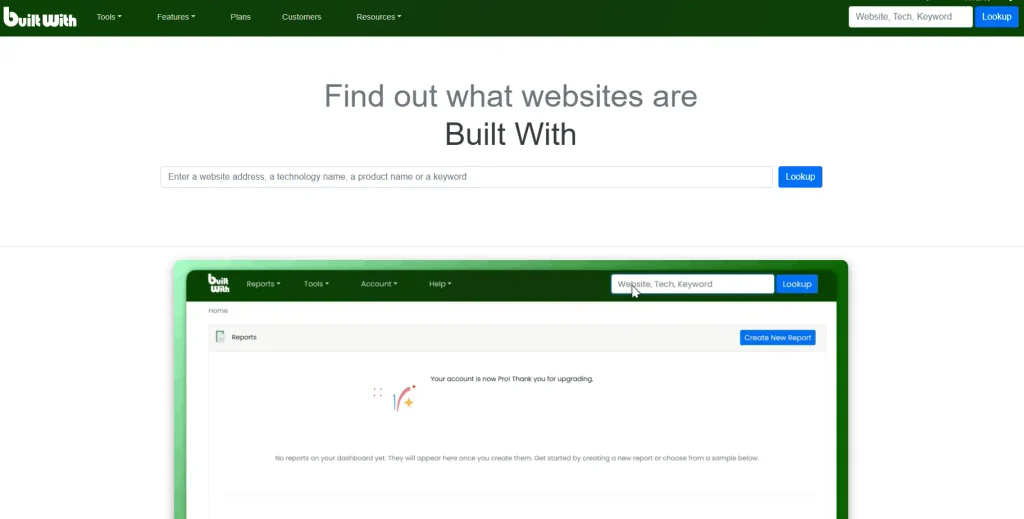
BuiltWith tracks more than 126,000 internet technologies across hundreds of millions of websites, giving sales teams detailed technology-based data for prospecting.
Role: BuiltWith helps sales teams find companies based on the technologies they use. It provides information about websites, technology stacks, spending, and business details. Teams use this data to find companies that fit specific sales targets.
Use case: Sales teams use BuiltWith to find businesses using a specific technology. For example, a company selling Shopify services can find websites using Shopify. These technology-based lists create more focused sales opportunities.
Most unique feature: Its strongest feature is technology-based prospecting. BuiltWith lets users find companies based on the tools and technologies running on their websites, including current and historical technology use.
Targeting and filtering: Users can filter lists using technology, location, industry, keywords, website traffic, technology spending, and other data. Advanced multi-filtering also makes highly targeted reports possible.
Pros:
- BuiltWith is useful for finding prospects based on their technology stack.
- Its detailed filters make it easier to create highly specific lead lists.
Cons:
- BuiltWith focuses heavily on website and technology data, so users looking mainly for direct contact information may need another tool.
6. Google Maps + Outscraper
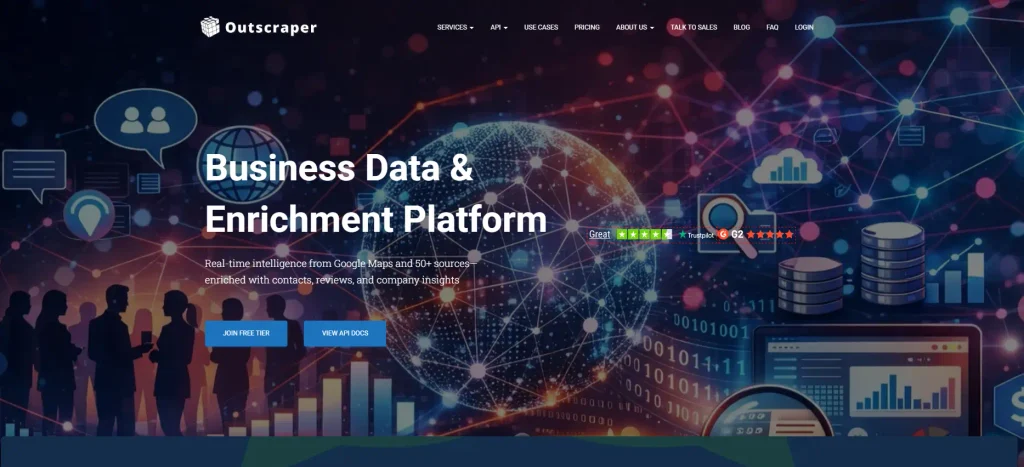
Google Maps and Outscraper work together to find local businesses at scale. Outscraper extracts more than 40 data fields from Google Maps listings for prospecting.
Role: Google Maps provides a large source of local business information. Outscraper extracts this public business data into structured lists. Together, they give sales teams a practical way to find local prospects.
Use case: Sales teams use this combination to find businesses in specific cities or areas. They can search for prospects based on business category and location. Outscraper then exports the results for lead generation and outreach.
Most unique feature: The strongest feature is location-based prospecting. Users can target businesses in specific areas and collect details such as names, addresses, websites, phone numbers, reviews, and business status.
Targeting and filtering: Users can select business categories, locations, and other search settings. Outscraper also offers advanced filters and enrichment options for more focused lists.
Pros:
- It is useful for building local business lists based on category and location.
- Outscraper offers more than 40 data fields and exports results in formats such as CSV and Excel.
Cons:
- The data mainly focuses on businesses and public listings, so additional tools may be needed for deeper decision-maker information.
7. Cognism
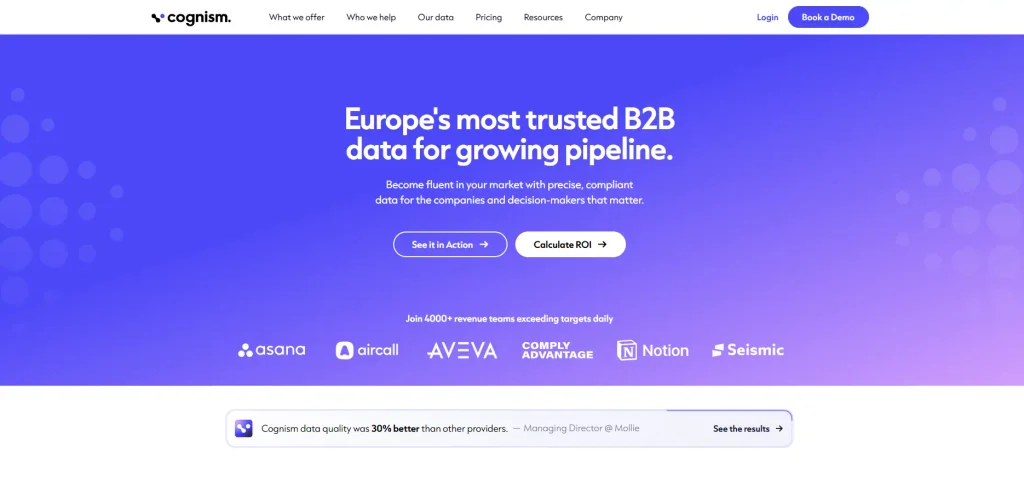
Cognism is a B2B sales intelligence platform with hundreds of millions of company and contact profiles. Its phone-verified data is designed to improve connections with decision-makers.
Role: Cognism gives sales teams access to business and contact information. It provides verified phone numbers, emails, company data, and sales signals. Teams use this information to find and prioritize B2B prospects.
Use case: Sales teams use Cognism to find decision-makers at target companies. They can create lists based on their ideal customer profile and sales goals. The data also supports calling, email outreach, and account research.
Most unique feature: Its Diamond Data® phone verification is a key feature. Cognism verifies mobile numbers and says its phone-verified data delivers an average 3x improvement in connect rates.
Targeting and filtering: Users can target prospects using company and contact details such as industry, location, job role, seniority, revenue, and company size. Sales signals and intent data also provide more ways to prioritize accounts.
Pros:
- Phone-verified contact data gives sales teams a stronger way to reach decision-makers.
- Cognism focuses heavily on data verification, compliance, and regular database updates.
Cons:
- Cognism is mainly suited to B2B sales teams that need detailed contact and company data, so it may be more than smaller teams need.
Final Opinion
The right sales prospecting tool is not always the one with the biggest database. What matters more is finding accurate prospects that match your ideal customer profile and sales goals.
I believe a smaller, well-targeted list often delivers better results than a huge list filled with poor-fit contacts. In my experience, good prospecting starts with the right targeting and ends with proper data verification.
You need accurate contact details to support successful outreach, while you also need clear criteria to avoid wasting time on irrelevant leads. Need a targeted lead list? Contact ProspectOut for accurate sales prospecting built around your ideal customers.